An allowance with tomorrow in mind
See a current biweekly allowance that protects dated bills, essentials, emergency contributions, and future pay periods. Keep the six-month discretionary plan separate from what you can spend now.
From the Animus Machinae lab
Our research also becomes practical software. Explore the custom tools we build and share publicly to help you plan your money, research, organize, and get things done.
Three tools. Free to use. Open source. Ledger
Turn a checking balance into a plan you can actually use. Ledger brings your bills, paydays, everyday spending, groceries, and emergency cushion into one clear picture—then works out a conservative allowance for this pay period while looking at least six months ahead.
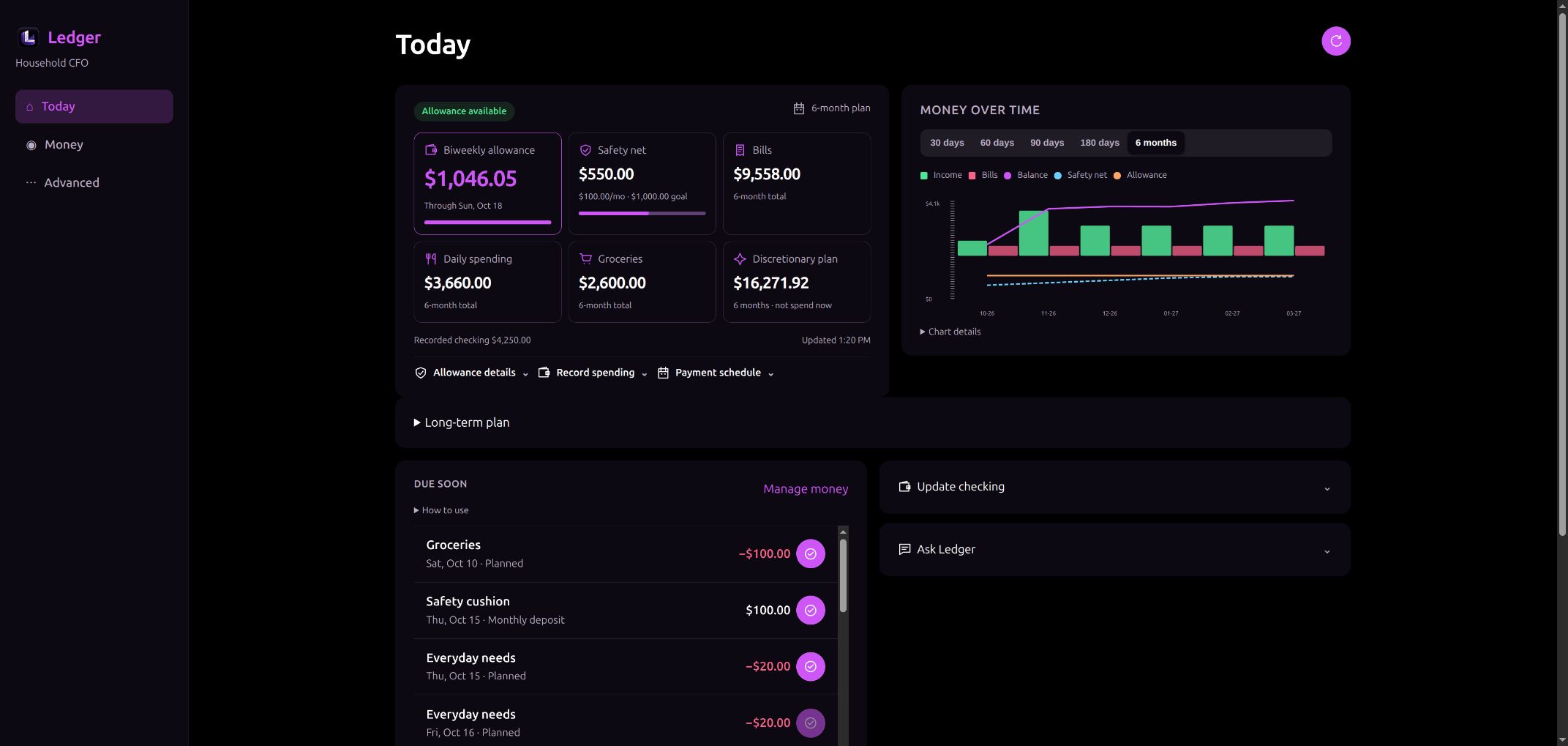
See a current biweekly allowance that protects dated bills, essentials, emergency contributions, and future pay periods. Keep the six-month discretionary plan separate from what you can spend now.
Track daily spending and groceries separately, check off paid purchases without a confusing pending stage, and build an adjustable emergency cushion with monthly contributions that stop at your goal.
The optional Ask Ledger assistant can explain your recorded plan and discuss what-if scenarios. Deterministic code calculates the dollars; AI offers read-only explanations. Compatible signed-in Codex CLI is required.
Keep household records locally, back them up, and use the interface from desktop or phone on your private network. MIT licensing makes Ledger free to use, adapt, and build on—including commercially.
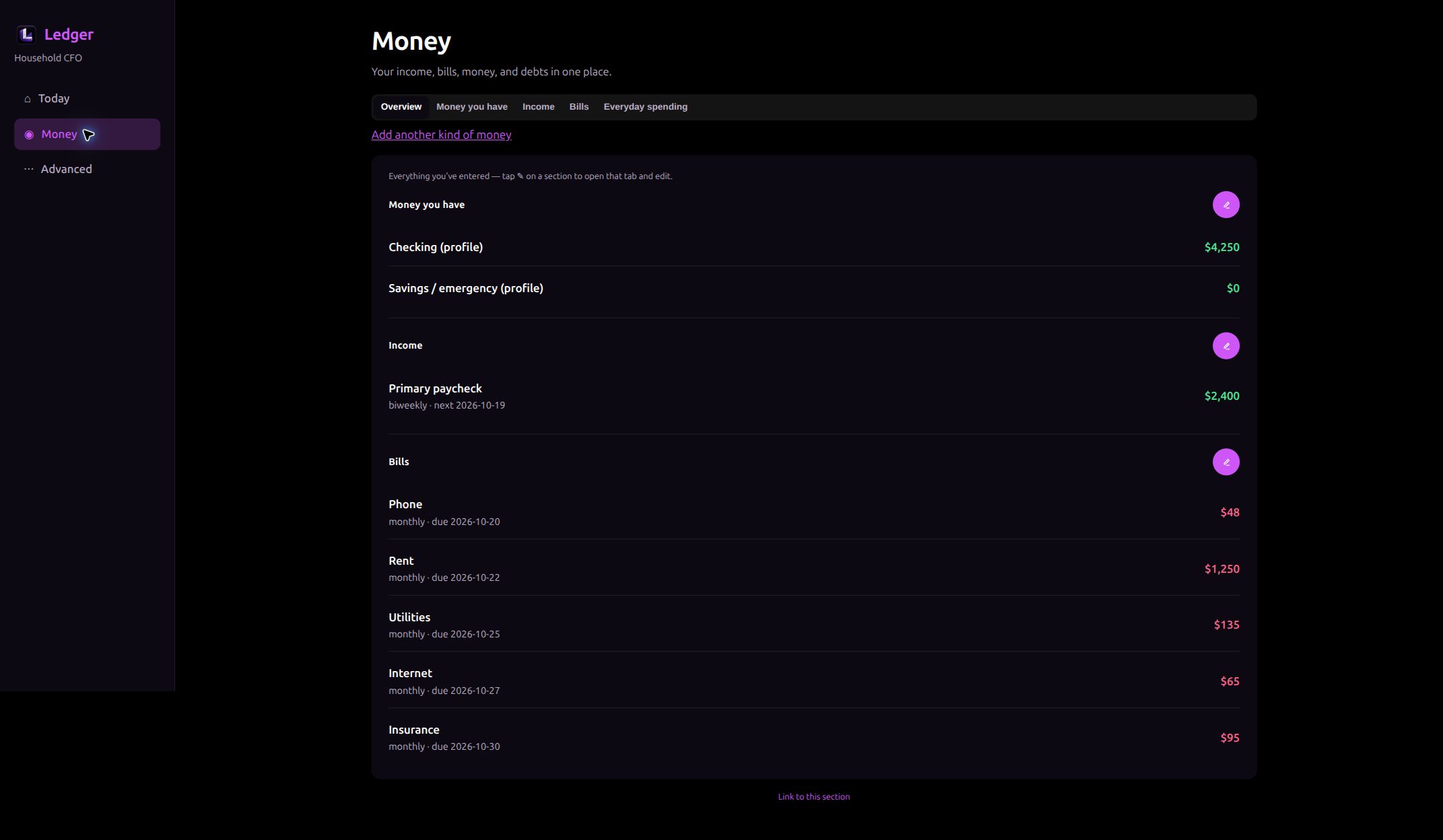
Keep recorded cash, income dates, recurring bills, and everyday budgets in one place. Update the facts and let Ledger recalculate the plan. Actual interface with fictional records.
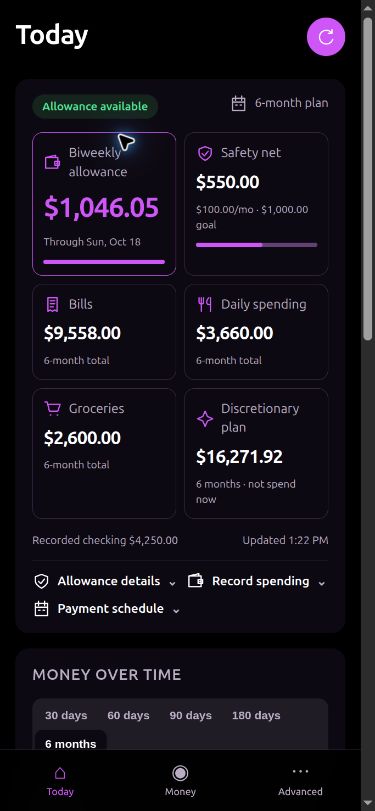
Check the allowance and the next things to do from your phone through your own private network. Your household records stay with your installation. Actual mobile layout with fictional records.
Bring Ledger to your desktop
Start with the source and compiled web interface, or load the prebuilt Linux amd64 Docker image. Both downloads include SHA-256 checksums. Core planning needs no AI subscription or API key. Optional AI has separate setup requirements; the standard Docker image does not bundle Codex CLI. Balances are entered by you; Ledger does not connect to a bank or move money.
 ATLAS Browser
Bring your websites, tasks, notes, resources, and AI conversations into one lasting workspace. ATLAS keeps the context of your work close, from the first question to the next action.
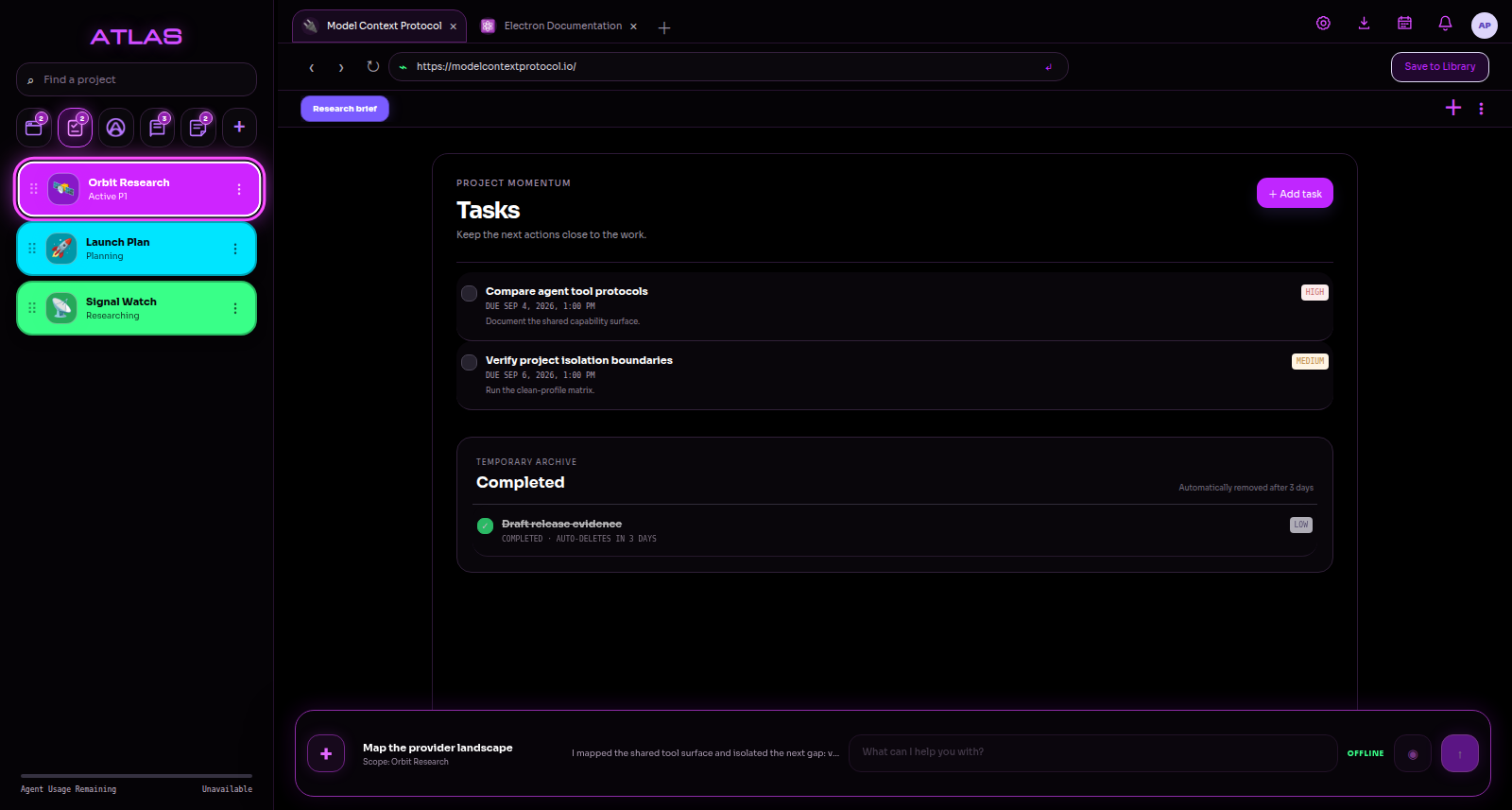
Give each project its own tabs, bookmarks, tasks, notes, downloads, and Library. Personalize the workspace with colors, images, or emoji.
Ask your configured agent to research pages, navigate websites, capture resources, and update tasks through ATLAS tools. Reopen saved conversations as the work develops.
Save webpages, selected text, PDFs, images, and linked downloads to the project Library. Keep rich-text notes and useful context together.
Choose your agent provider and model, keep separate local profiles, adjust Privacy Shield, and use optional local voice conversation.
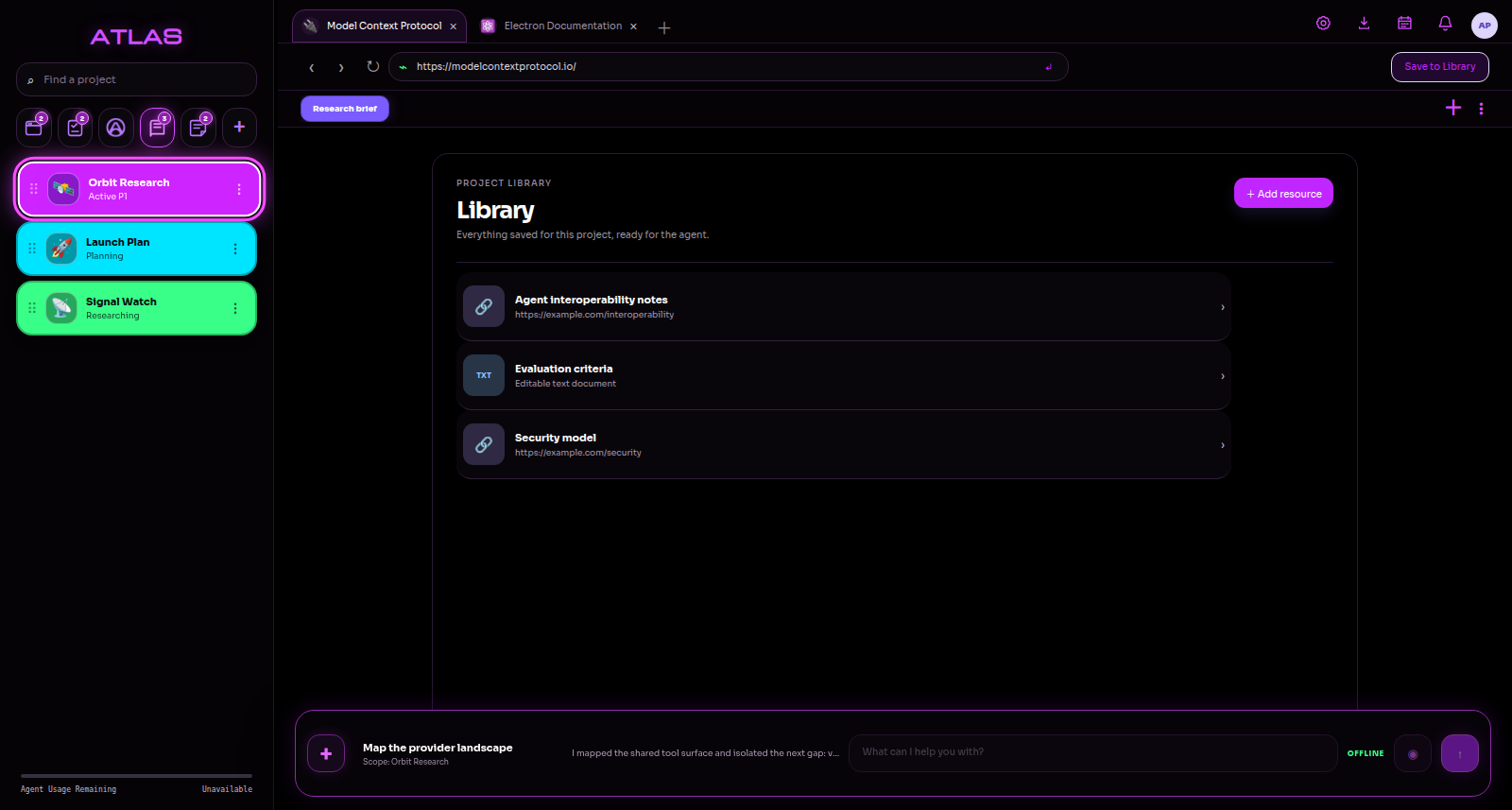
Keep research, documents, images, and saved links inside the project they support.
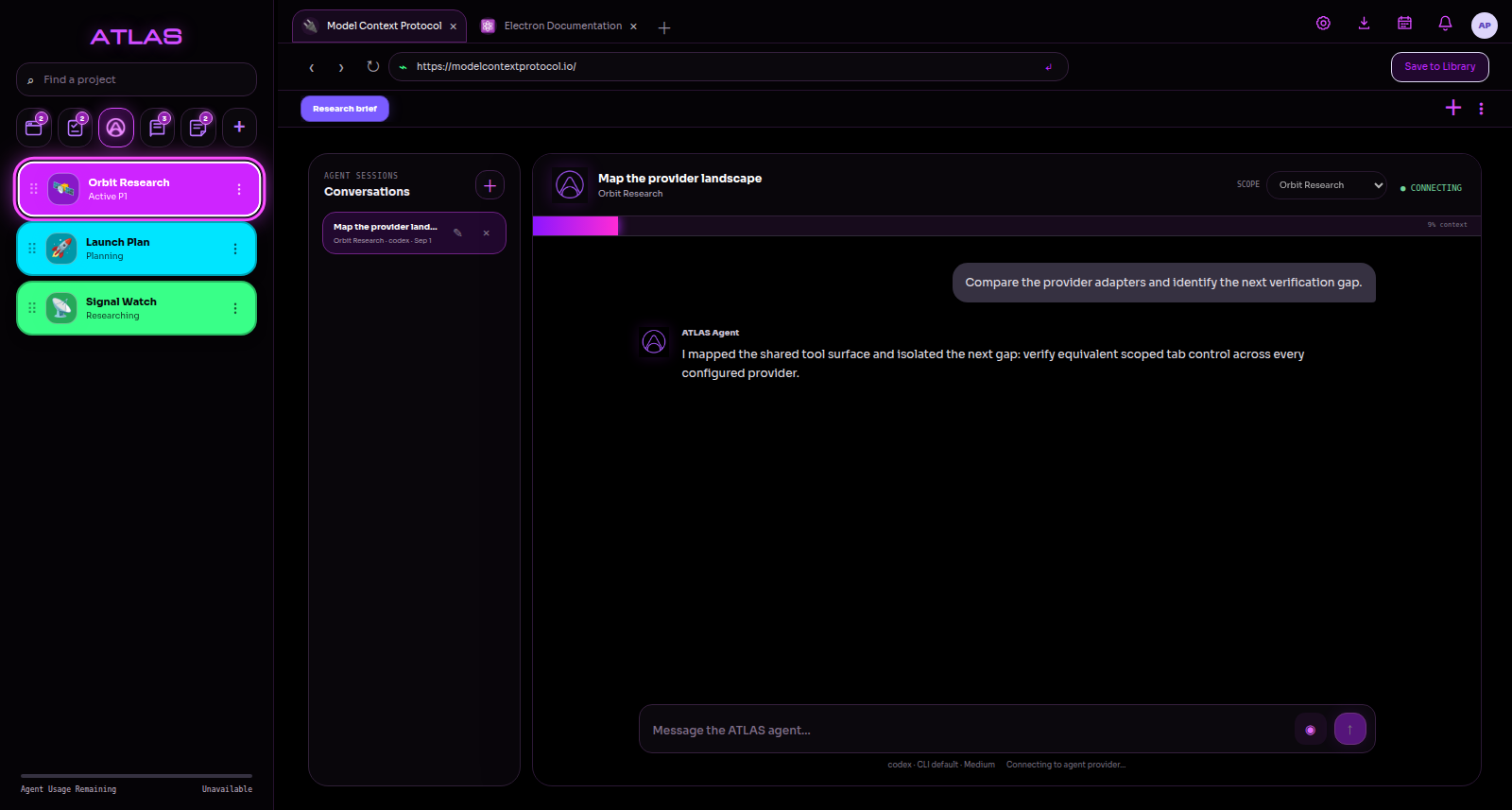
Saved agent conversations keep the project and its context within reach.
Bring ATLAS Browser to your desktop
Get the Windows installer or portable app, or choose the Linux AppImage or Debian package. The public build includes SHA-256 checksums.
 VEYL
A spacious visual file explorer with an AI assistant that acts on your instructions. Browse your files, preview your images, and turn everyday requests into organized folders and thoughtfully named files.
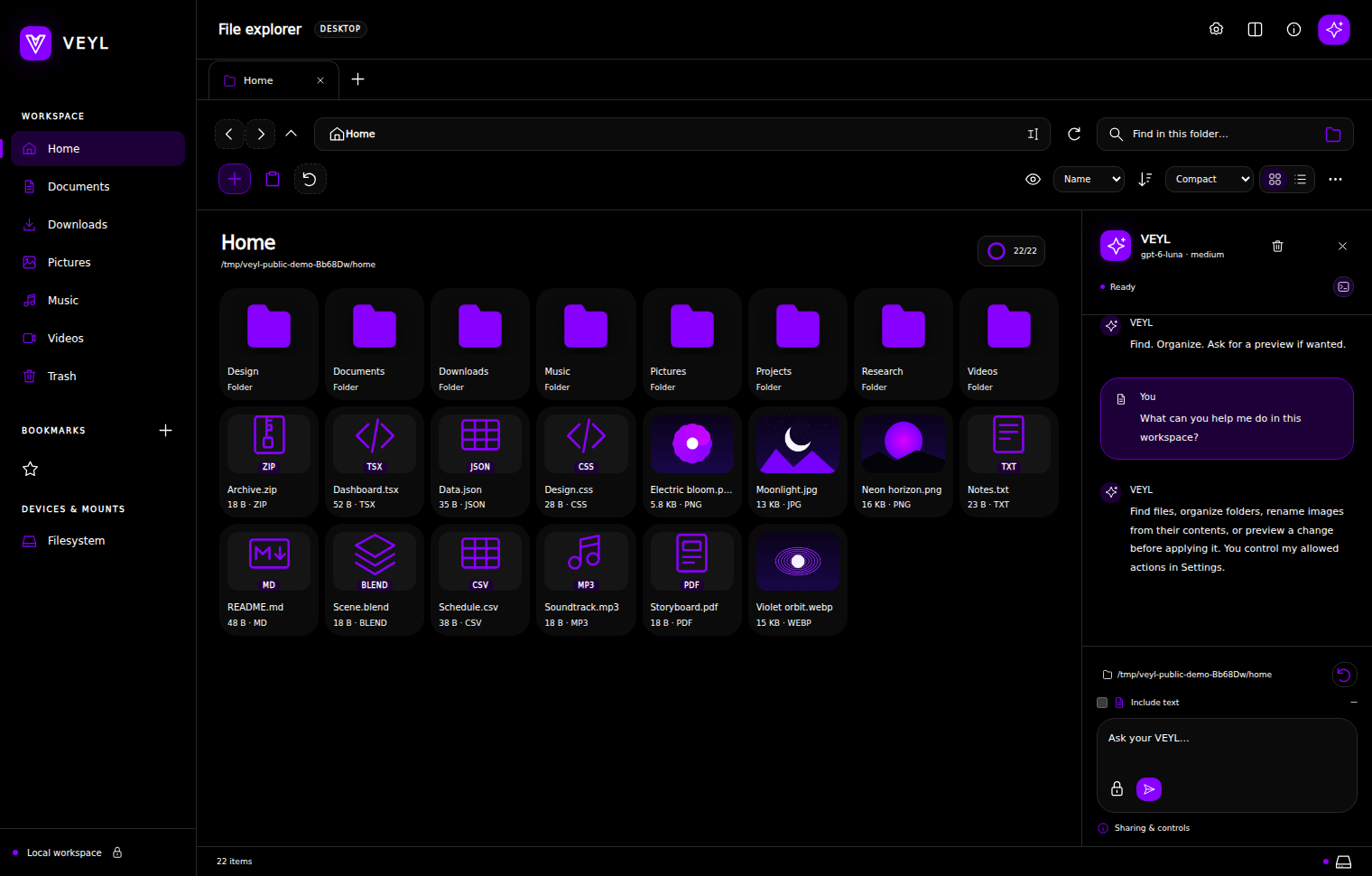
Explore tabs and dual panes, switch between grid and details, and use thumbnails, previews, bookmarks, search, and sorting to find your way.
Ask the assistant to find files, create folders, move or copy matching files, and organize your workspace. Request a preview whenever you want to inspect a proposed change.
Ask VEYL to look at images and rename them from what they show. Create and edit text files, batch-rename selections, and create or extract ZIP and TAR archives.
Set the accent with a color dial, choose your provider, model, and reasoning effort, and control the assistant’s allowed actions. Recover files through Trash and use Undo for supported changes.
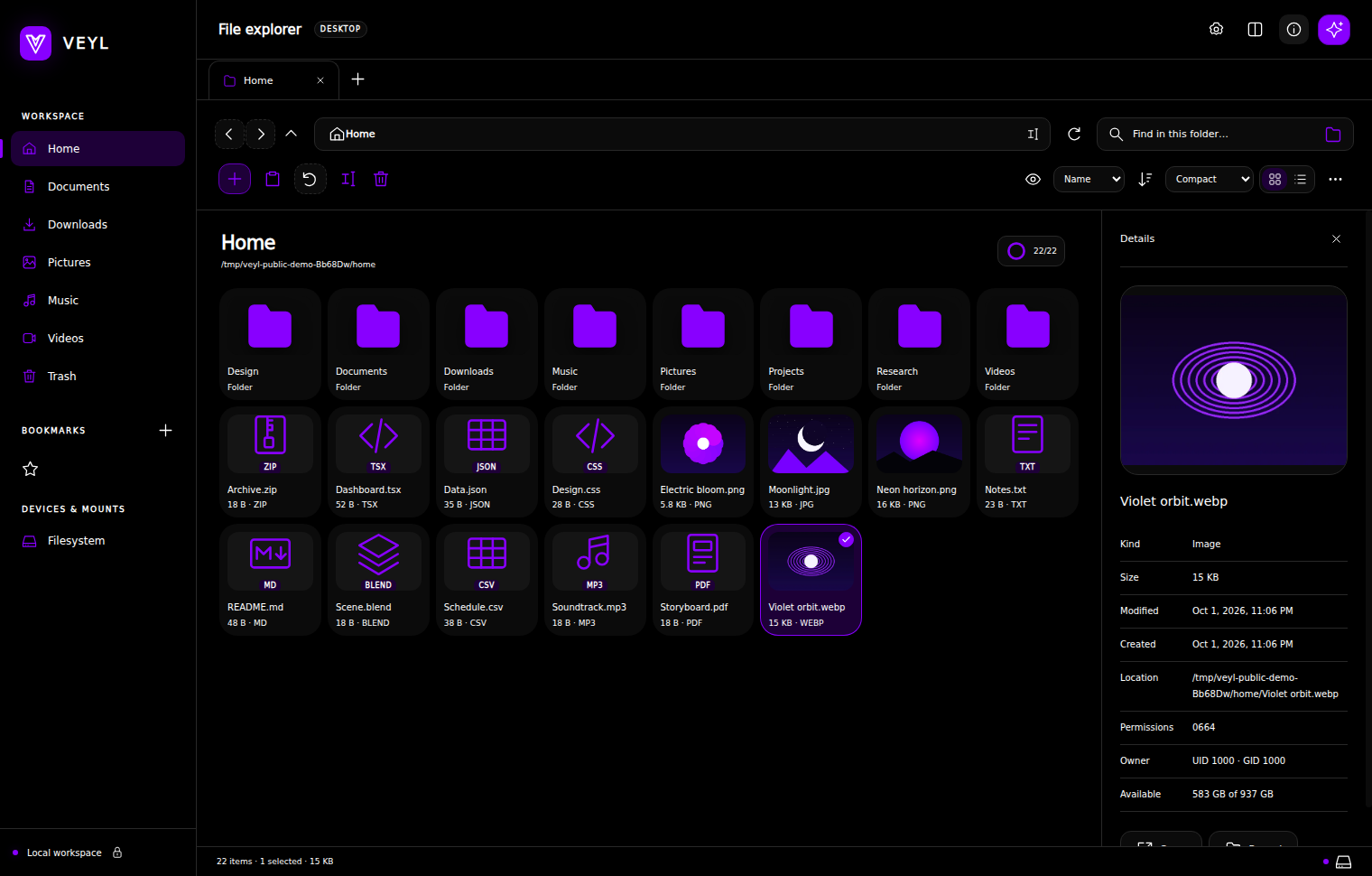
Inspect image previews and file details while keeping your folder in view.
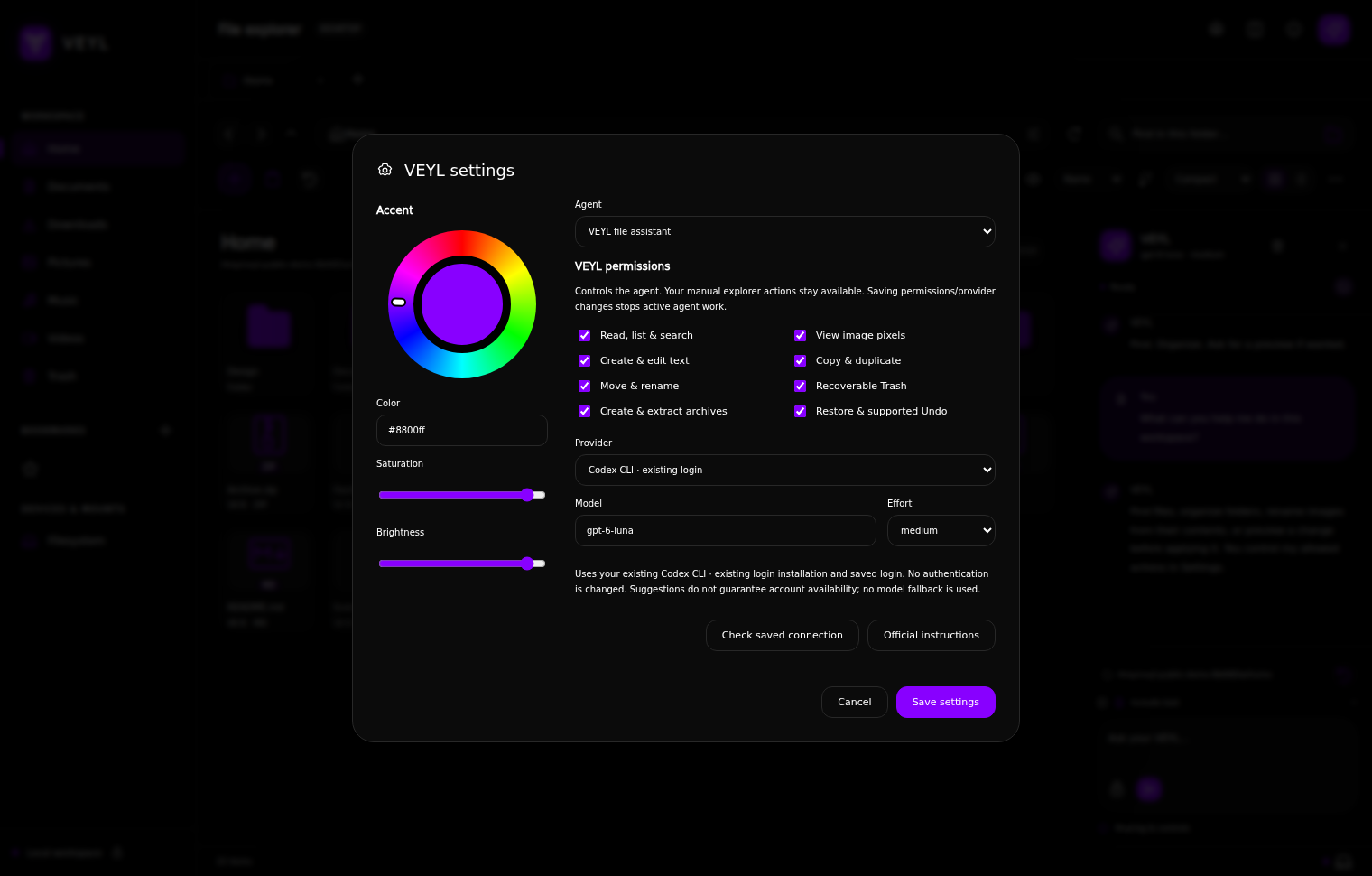
Provider, model, effort, action permissions, and a custom accent are all within reach.
Bring VEYL to your desktop
Choose the Ubuntu Debian package or the portable Linux archive from the official release. Both come with SHA-256 checksums.
Research the edge. Build the system.
Follow the research behind Animus Machinae, or get in touch about a custom solution for your work.